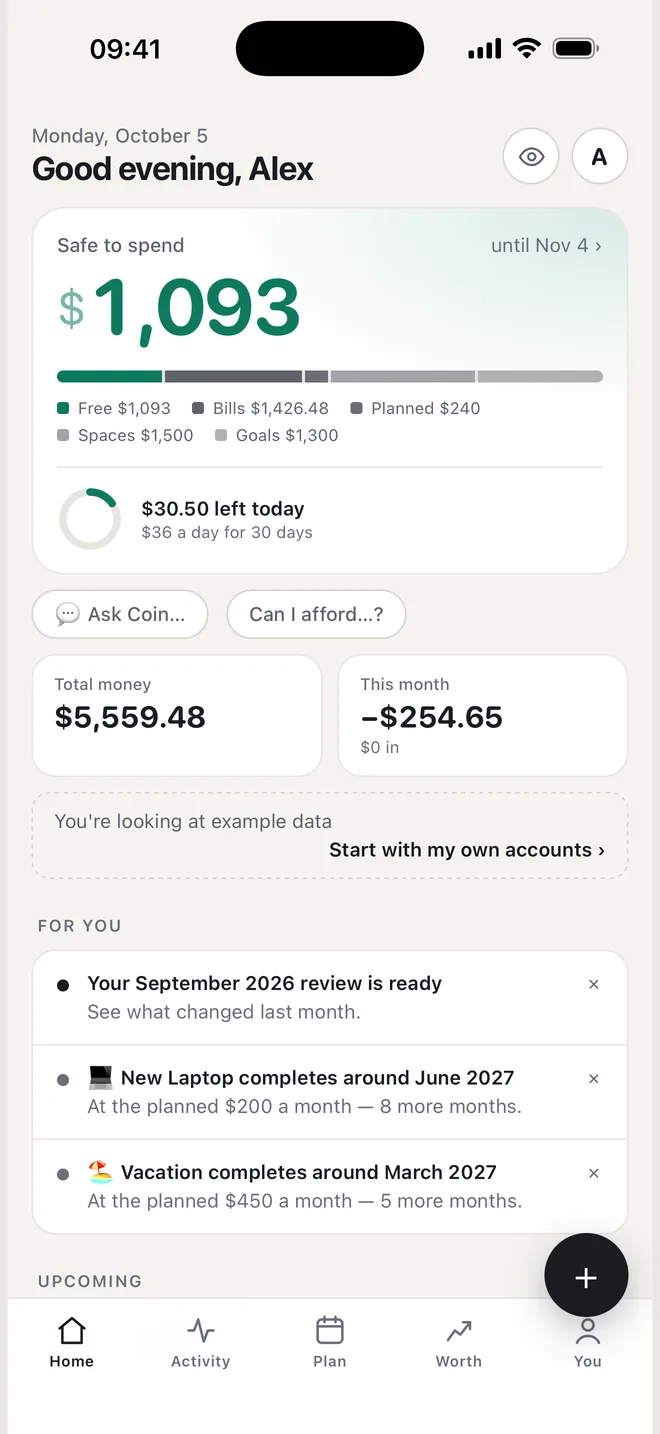
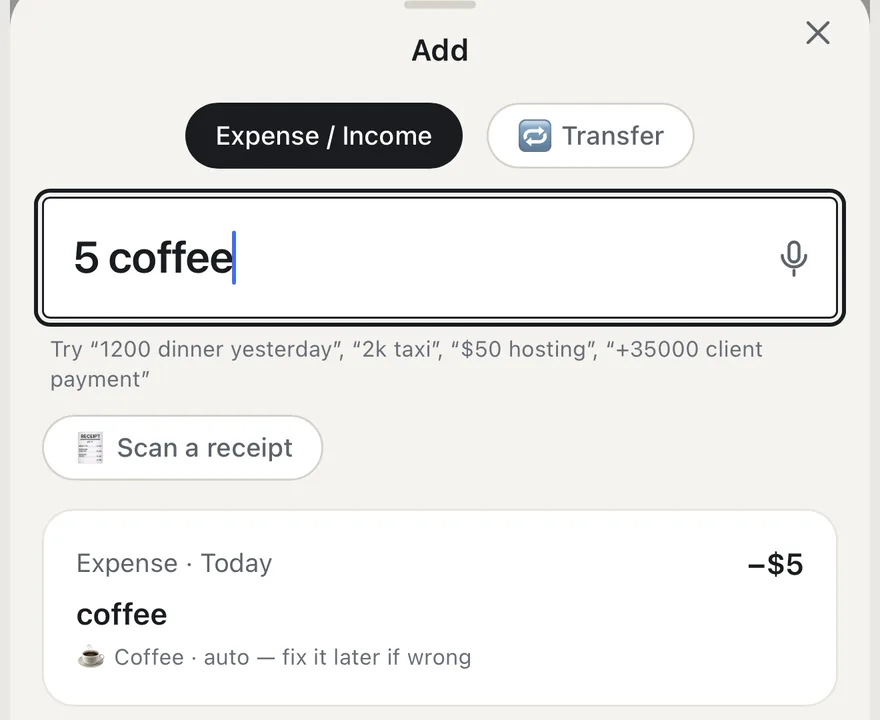
“5 coffee” — done.
Type the way you think — Coin works out the amount, category and date. Or tap the mic and just say it.
iPhone app · free
Coin takes away rent, subscriptions and what you've set aside for goals — and shows one honest number: what you can actually spend today.
No sign-up · no bank connection · works offline
How it works
Safe to spend · until Nov 4
$1,093
Rent, subscriptions, utilities — they're coming anyway, so Coin books them in advance.
One-offs you already know about: insurance, tickets, repairs.
Your reserve, a trip, a new laptop. Money set aside never gets spent twice.
Tap the number to see every line. No black boxes.
Features
Type the way you think — Coin works out the amount, category and date. Or tap the mic and just say it.
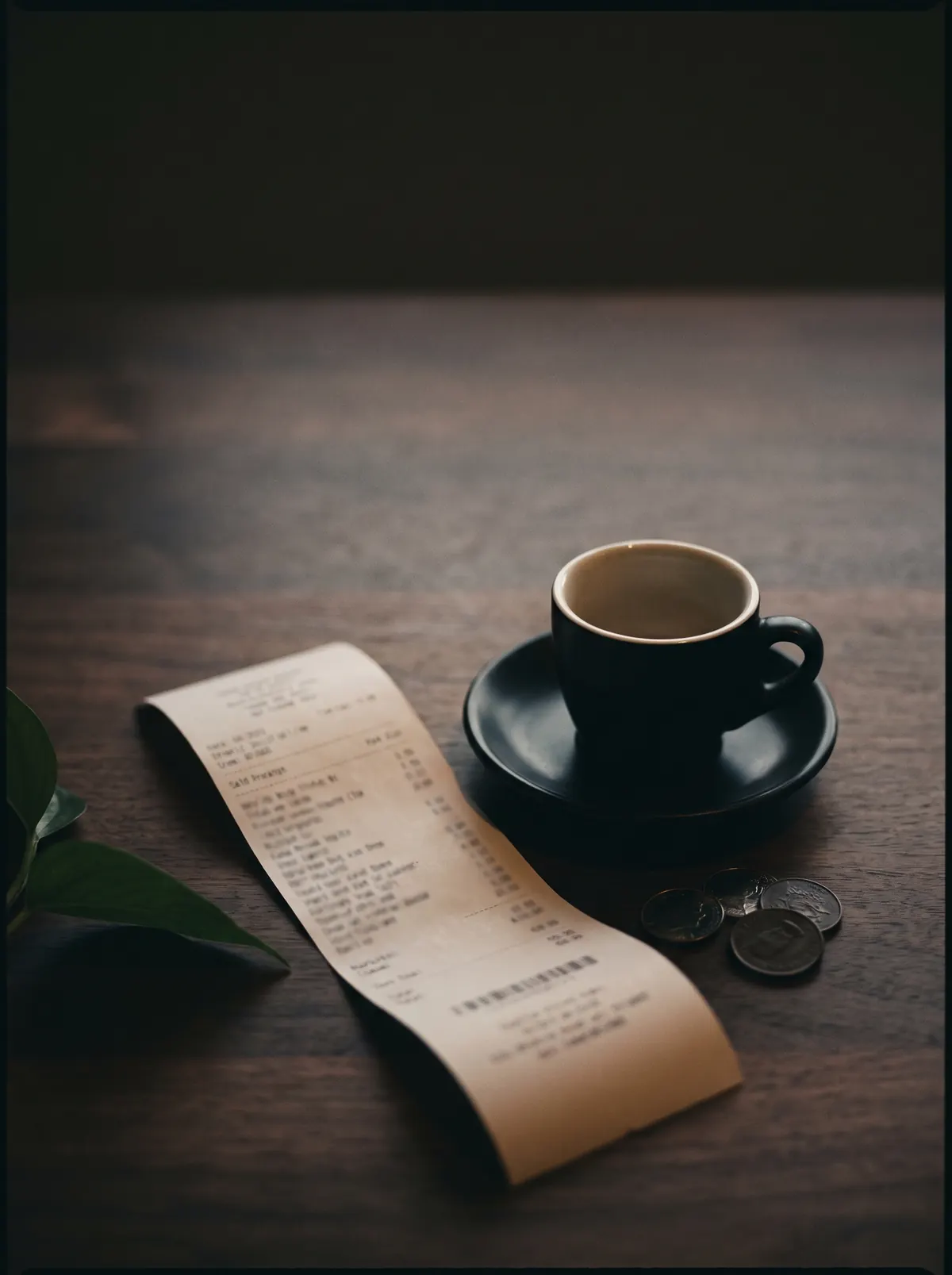
Amount, shop and date straight from the photo. The text is read on your iPhone; the photo goes nowhere.
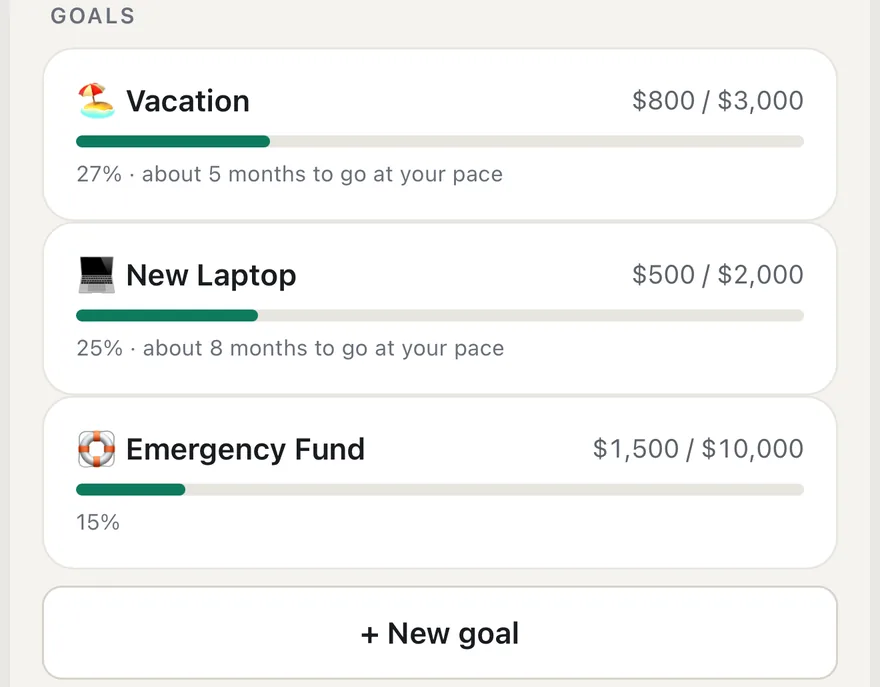
See not just how much is left, but when you'll get there at your own pace.
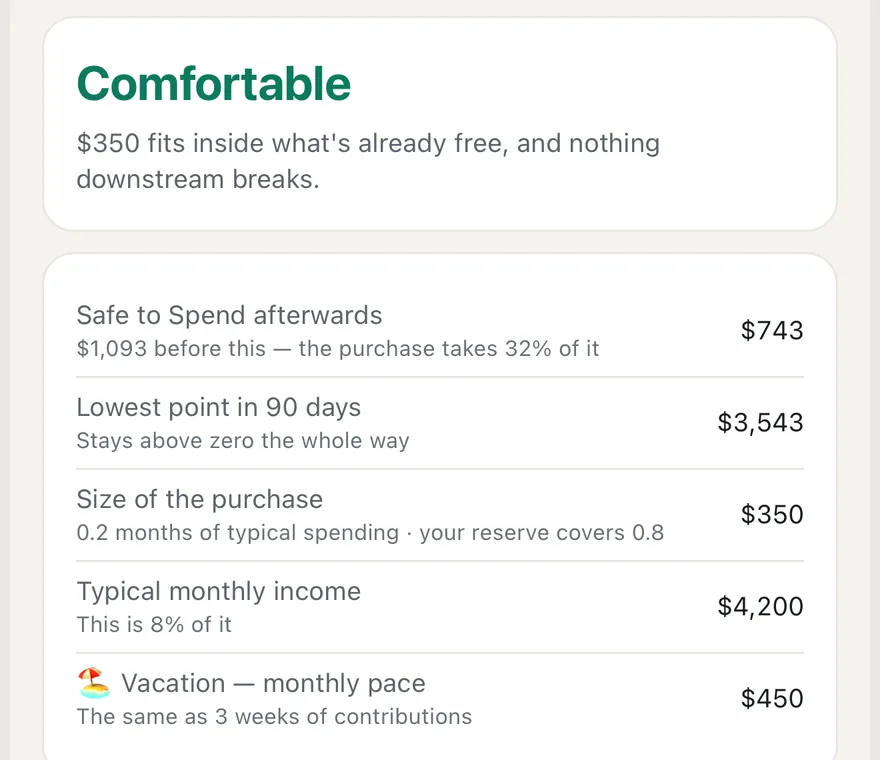
Not a yes or no — the consequences: what stays free, and whether you'd dip below zero.
A share of every income goes straight to a goal, and every purchase rounds up — the change quietly lands there too.
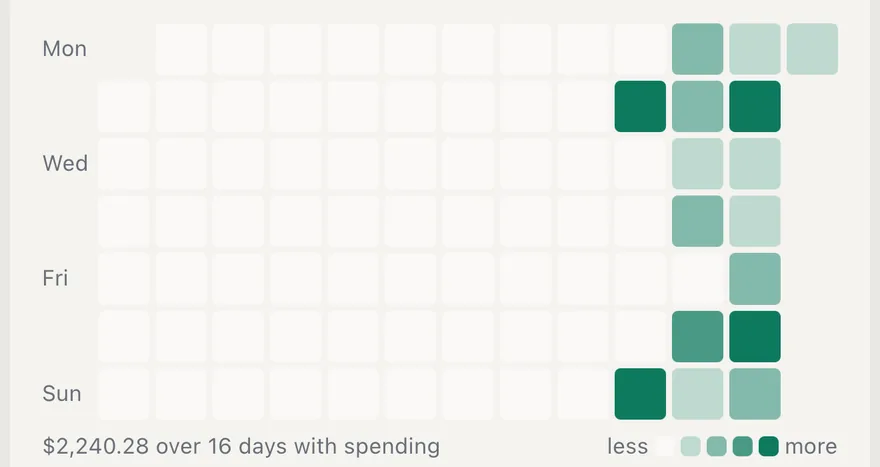
Every day is a square — the darker, the more you spent. And search understands plain words: “coffee last month”, “> 500”.

$5 a day
= $1,825 a year
We're not against coffee. We're for seeing the price.
Everything you log lives only on your iPhone. Privacy mode hides every amount with one tap — for the subway and curious eyes.
Privacy policy →FAQ
Nothing. Coin is free and has no ads.
No. You log spending yourself — by typing (“5 coffee”), by voice or from a receipt photo. It takes seconds.
Only on your iPhone. There's no account and no server of ours. You can save a copy to a file and restore it any time.
You can lock Coin with Face ID, and privacy mode hides every amount with one tap.
Dollar, euro, pound, złoty, yen and hryvnia; English and Ukrainian. Fresh exchange rates (from the National Bank of Ukraine) are optional, one switch away.
iPhone only for now. Android is planned — the Google Play button will light up here as soon as it ships.